Uvivio V1
(Mobile App)

A smarter, human-centered learning experience through mentorship.

RoleProduct Designer
ToolsFigma
Year2025
ClientTechcity
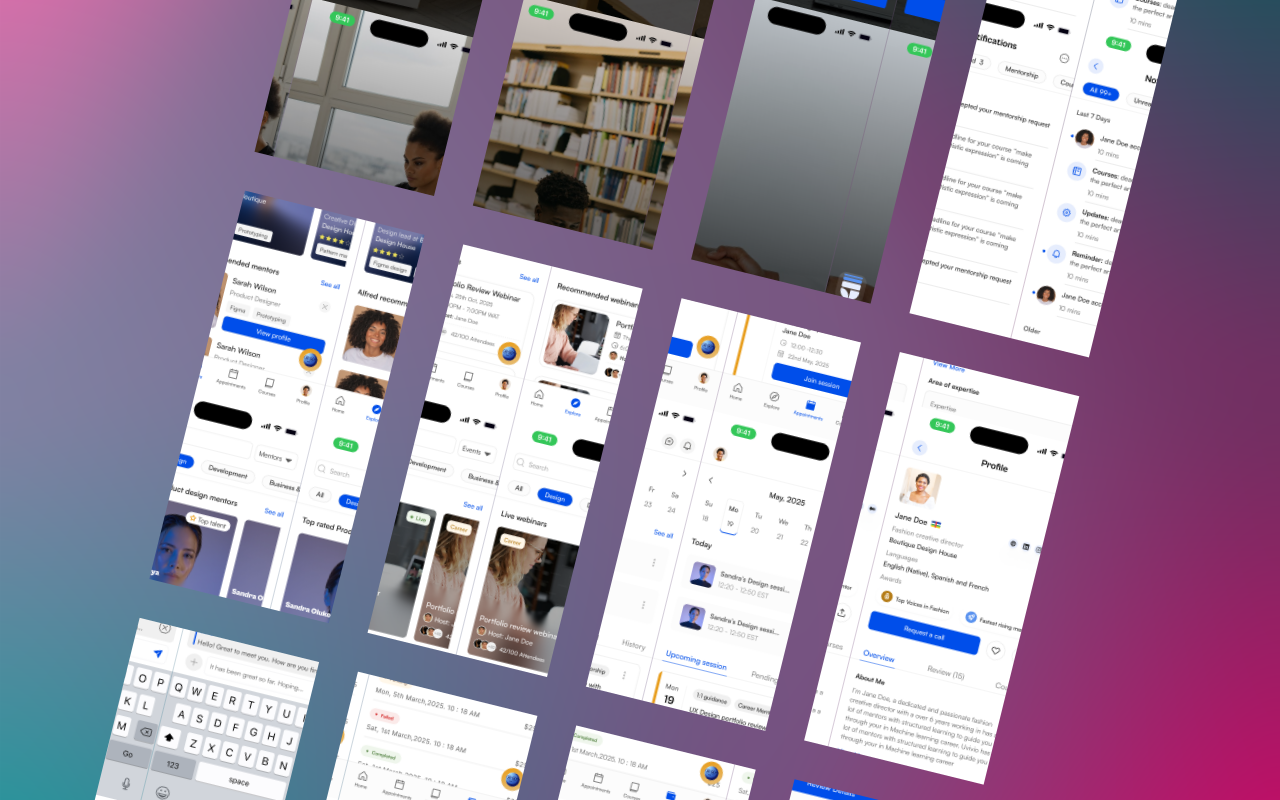
Uvivio V1 mobile application hero screens
01

/ Overview

Uvivio V1 is a mobile-first learning platform that blends structured education with human mentorship.

Unlike traditional learning platforms, Uvivio focuses not only on consuming content but on connecting learners directly with mentors for guidance, accountability, and real-world expertise.

This version represents the first full mobile release, combining learning discovery, mentorship, and support around core user needs.

Uvivio V1 mobile application hero screens
02

/ The Problem

Most online learning platforms fall into one critical trap: content without direction.

Learners often face:

  • Courses they start and never finish
  • No clear path from learning to real-world application
  • No real-time access to experienced human experts
  • Fragmented and unstructured mentorship experiences

Learning is not only about content—it is about guidance, clarity, and feedback.

03

/ Goals

Design a mobile platform that:

  • Combines learning and mentorship in one place
  • Gives users a clear and structured journey
  • Supports courses alongside human guidance
  • Enables real-time communication
  • Reduces friction in accessing support
04

/ Solution

Uvivio V1 was designed as a focused, mentorship-driven learning platform that combines structured education with human support—all within a simple, mobile-first experience.

Instead of asking users to figure things out alone, the platform connects learners with mentors, provides guided learning paths, and enables real-time support.

05

/ Key Features

The key features are organized around the two journeys at the heart of Uvivio: the mentee and the mentor.

The Mentee

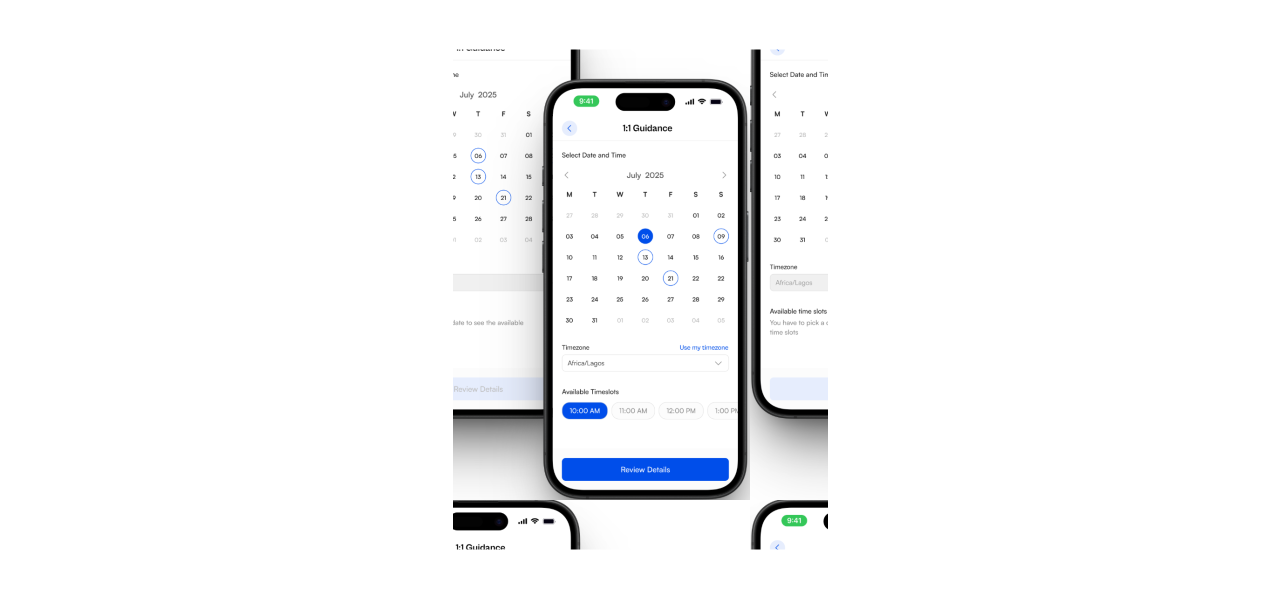
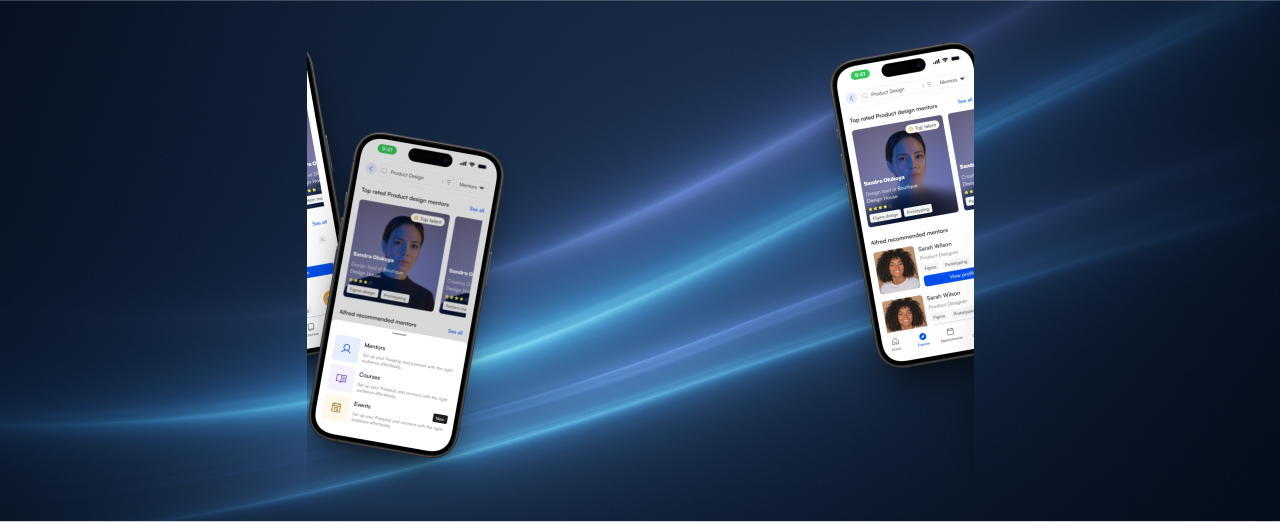
Mentor Discovery and Booking

Learners can find the right mentor and move from discovery to a confirmed session without leaving the app.

  • Search for mentors by skill, industry, or expertise
  • View detailed mentor profiles
  • Book sessions based on availability
Uvivio mobile mentor discovery and booking interface screens

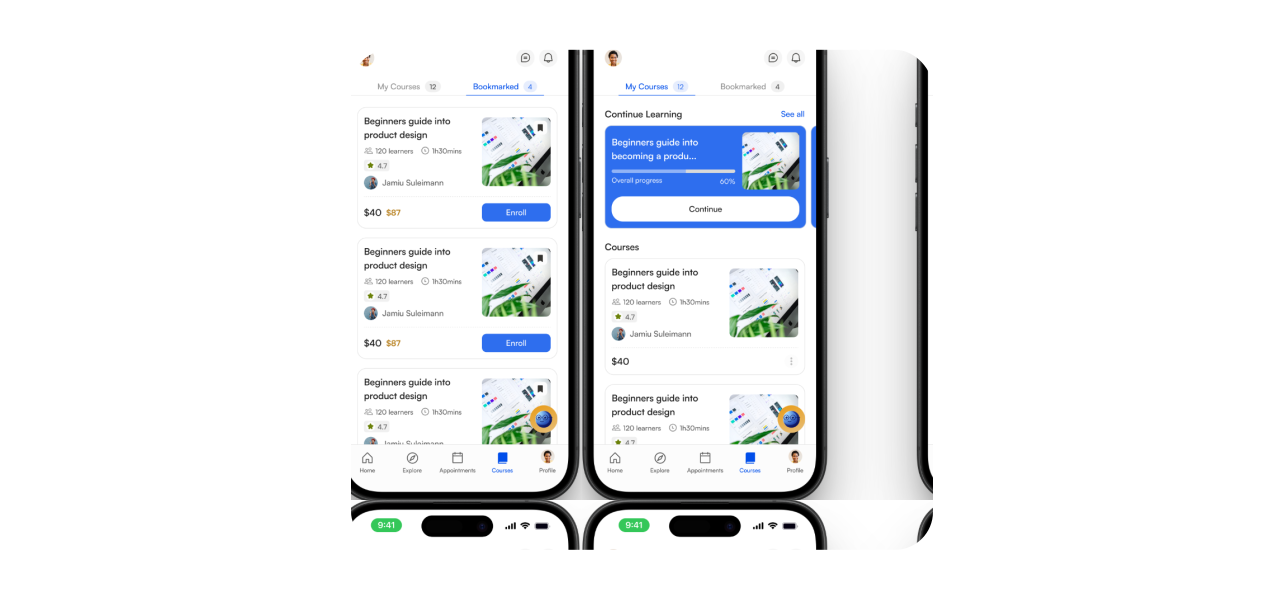
Course Exploration

Learners can browse and enroll in courses, then learn at their own pace through a clear mobile-first catalog.

Uvivio mobile course exploration interface screens

Mentor Profile

Mentees can review a mentor’s skills, background, expertise, courses, and reviews before making a booking decision.

Uvivio mobile mentor profile interface screens

Appointments

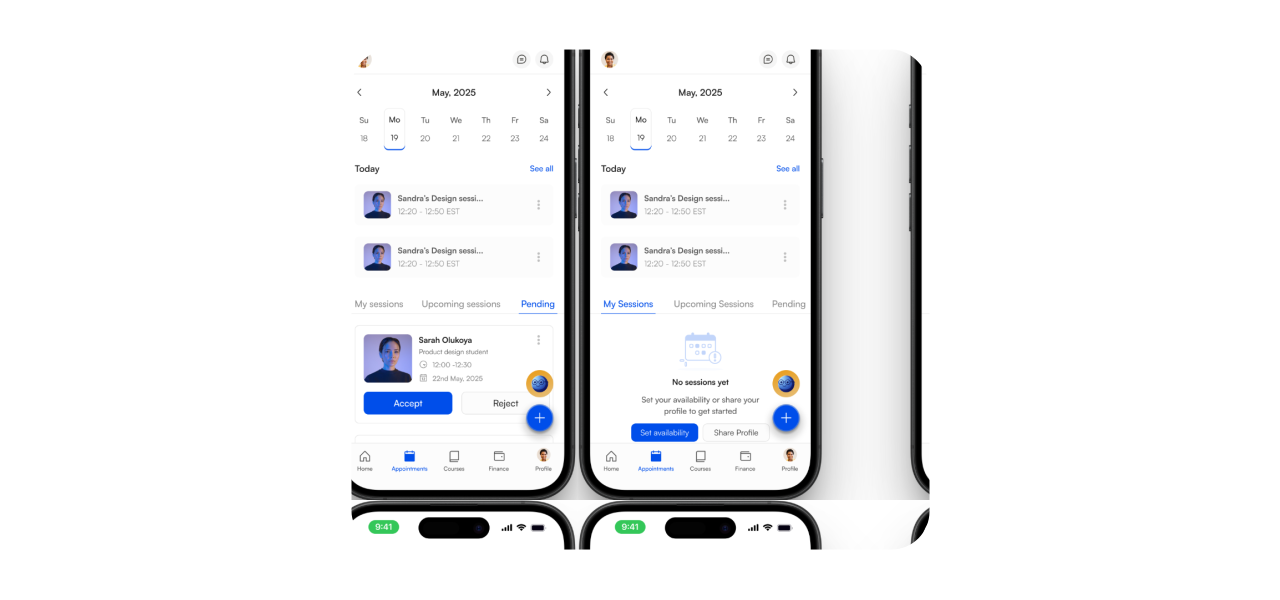
A structured session list makes it easy to manage upcoming, pending, and completed appointments.

Uvivio mobile appointments interface screens

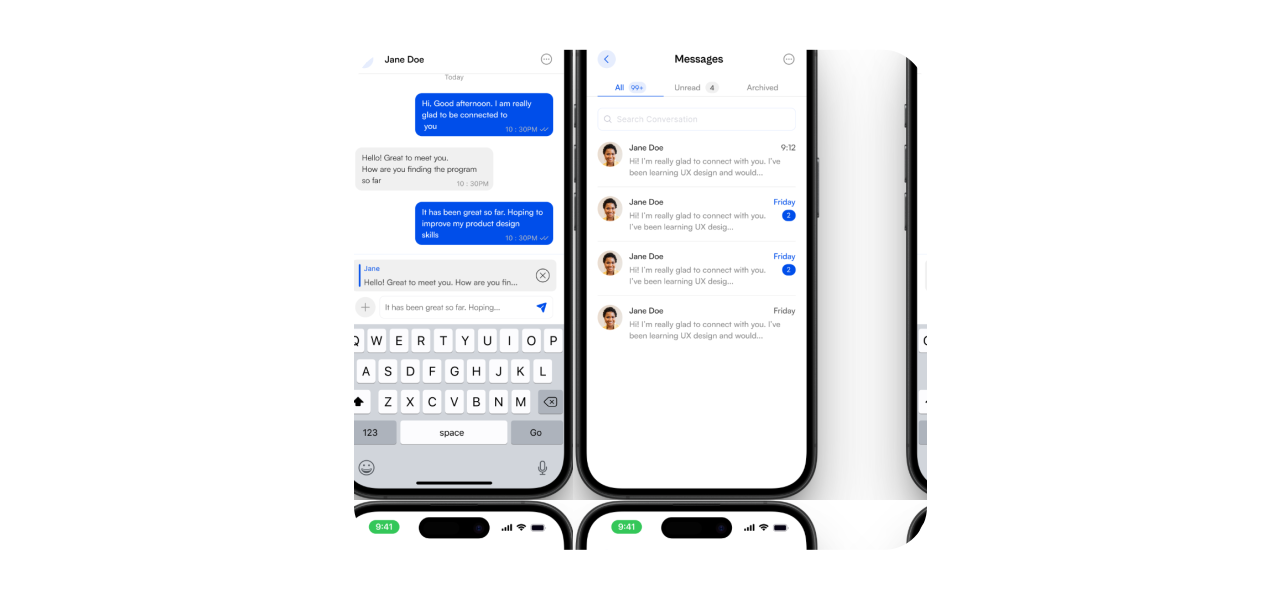
Messaging

Users can have one-on-one conversations with mentors through direct messaging without leaving the learning experience.

Uvivio mobile messaging interface screens

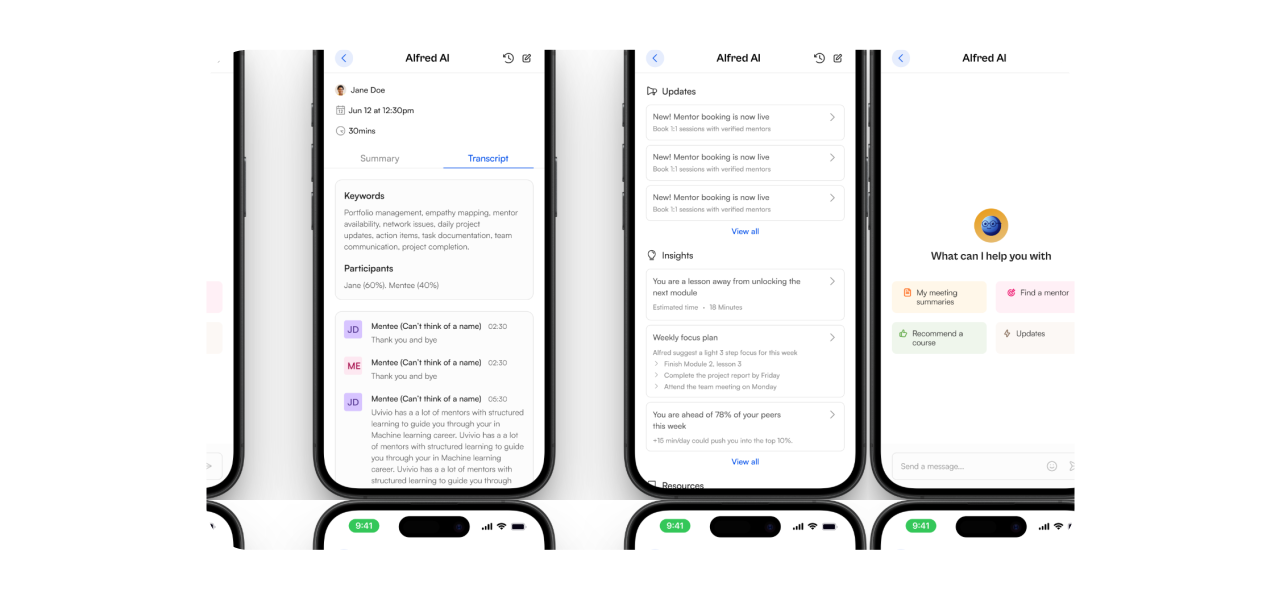
Alfred AI

Learners can request reading summaries, find a mentor, receive course recommendations, and get useful platform guidance.

Uvivio mobile alfred ai interface screens

The Mentor

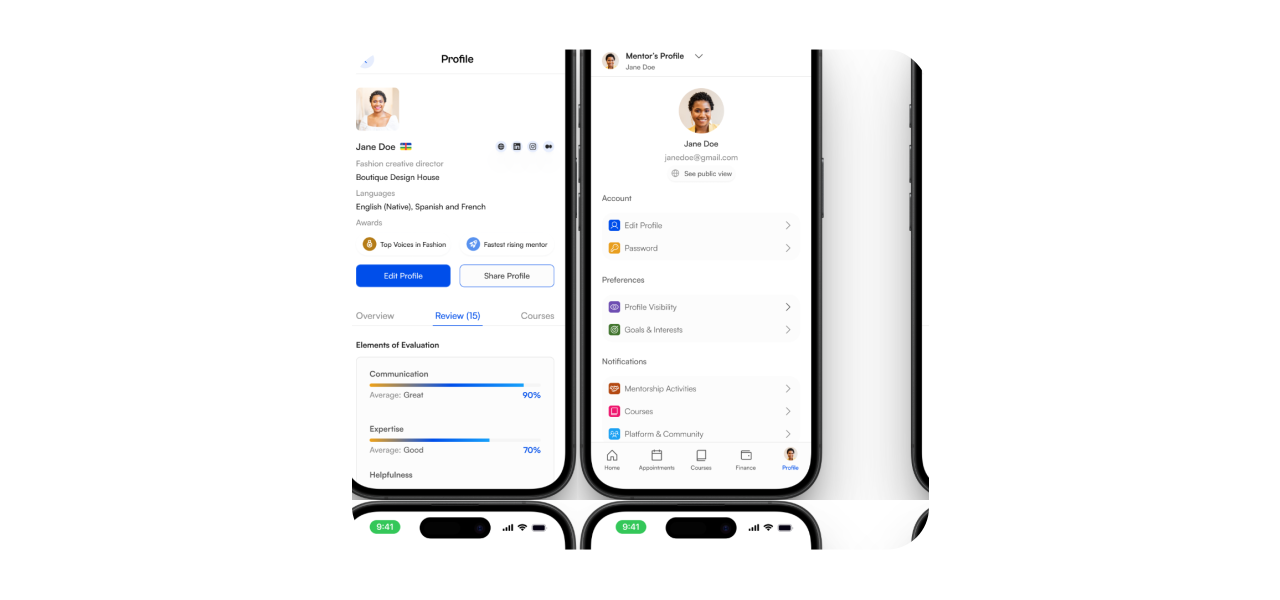
Mentor Profile

The mentor profile is the foundation of trust on Uvivio, showcasing expertise, experience, services, and areas of specialization.

Uvivio mobile mentor profile interface screens

Appointments Management

Mentors manage sessions through a centralized appointment system with clear upcoming, pending, and completed states.

Uvivio mobile appointments management interface screens

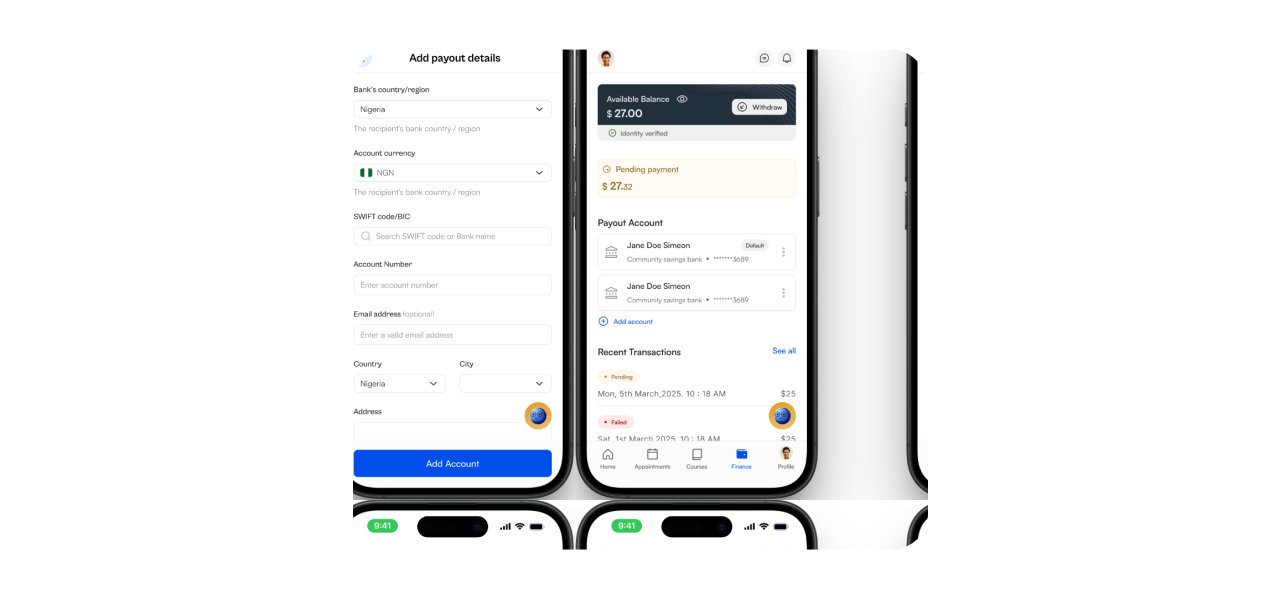
Wallet

A dedicated wallet gives mentors a clear view of earnings, payouts, and transaction history while keeping financial activity transparent.

Uvivio mobile wallet interface screens
06

/ Design Decisions

  1. 1. Designing Mobile for Speed and Clarity, Not Complexity

    Core actions are surfaced quickly, with focused screens and progressive disclosure preventing the product from feeling dense.

  2. 2. Prioritizing Consistency Across Core Flows

    Reusable interaction patterns make discovery, booking, messaging, course exploration, and appointment management feel like one system.

  3. 3. Guided Flow Instead of Exploration

    The interface narrows decisions into clear next steps so users spend less time figuring out the product and more time making progress.

  4. 4. Minimizing Dependencies on External Tools

    Communication, scheduling, learning, and payments stay within Uvivio to reduce context switching and fragmented experiences.

  5. 5. Designing for Trust Through Transparency

    Mentor credentials, availability, appointment states, reviews, earnings, and transaction details remain visible when users need them.

07

/ Expected Impact

  1. 1. Higher Conversion from Discovery to Action

    Users can move directly from finding a mentor or course to booking or enrollment with fewer interruptions.

  2. 2. Increased Mentor Retention

    Structured appointments, messaging, and transparent earnings give mentors stronger reasons to remain active on the platform.

  3. 3. Stronger User Trust

    Clear profiles, reviews, availability, and visible progress contribute to a more reliable and trustworthy experience.

  4. 4. More Consistent User Engagement

    Guided learning, communication, and booking tools make users more likely to return and continue making progress.

08

/ What I Learnt

Designing Uvivio provided valuable insights into building a structured, two-sided marketplace for mentorship and learning.

  • Visibility drives accountability—users engage more when progress and appointment states are clear
  • AI is most effective as a support tool, not a replacement for user control
  • Trust is not assumed; it must be designed through features and interactions

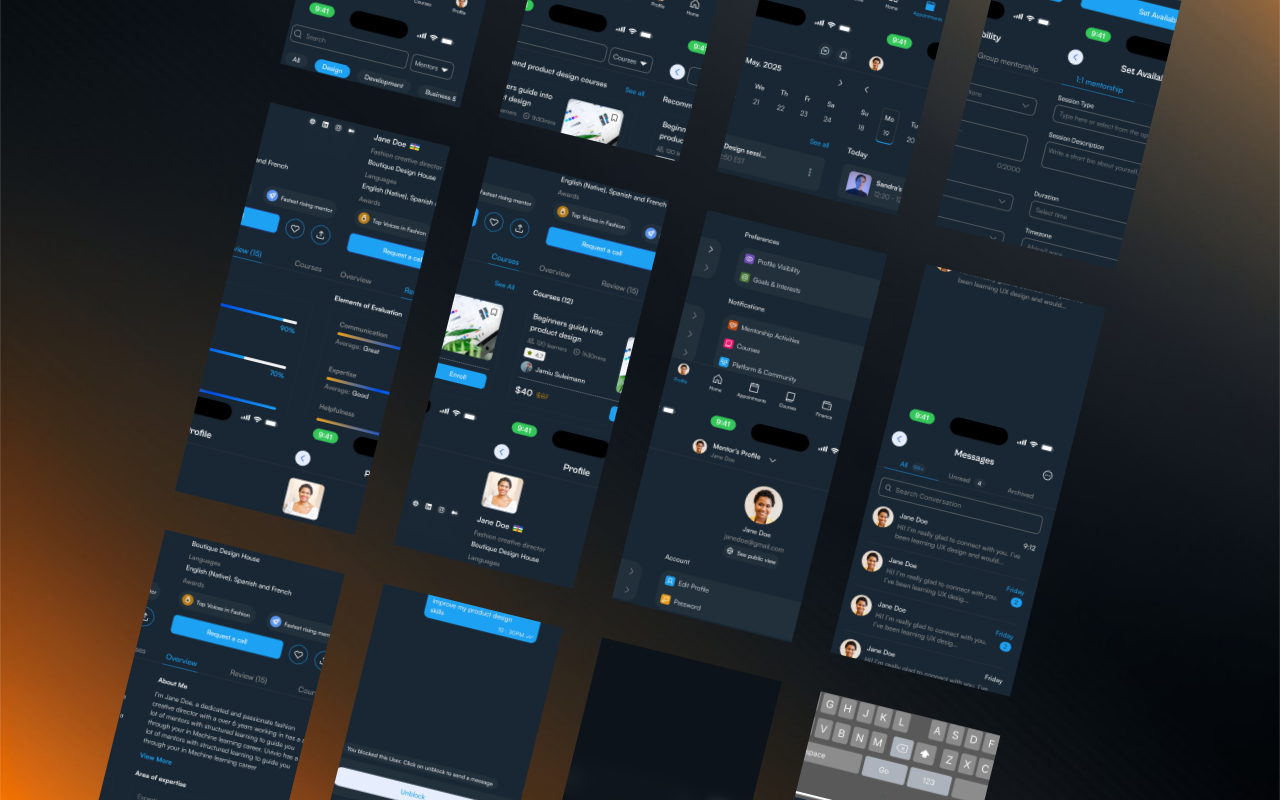
Dark Mode Mockups

Uvivio mobile dark mode interface mockups